
Last Updated on 2026年8月31日 by wallzhihu
(From basics to advanced – how to stay safe, stream Netflix/Hulu, torrent securely, and more)
In our hyper-connected world, VPN is one of those terms everyone hears but few really get. Whether it's shielding your Wi-Fi from hackers, unlocking Netflix US from Europe, or safely downloading torrents, VPNs are your everyday online bodyguard.
This guide is your all-in-one starter pack: no tech jargon, just clear explanations + step-by-step installs for free trials. We'll cover the what, why, how, and gotchas – perfect if you're new or just want a refresher. (For protocol deep dives, check my Ultimate VPN Tech Breakdown.)
Here's what we'll unpack:
- What is a VPN?
- Why do you need one?
- How to set up a VPN for streaming/torrenting
- Is using a VPN legal?
- VPN security – what to watch for
- Protocols & encryption basics
- How to pick the right VPN
- VPNs to avoid (the 2026 blacklist)
- Final VPN wrap-up
Let's demystify this – your secure net starts now. 🚀
A VPN (Virtual Private Network) is basically a secure tunnel for your internet traffic. It encrypts your data and routes it through a server in another location, hiding your real IP and making you “appear” somewhere else online.
Think of it like a private highway: your normal browsing is a public road where anyone can see your license plate (IP address). VPN puts you on a covered expressway – faster, safer, and anonymous to passersby.
Core components:
- Encryption: Scrambles your data (AES-256 standard – unbreakable).
- Tunneling: Wraps everything in a secure “pipe” (protocols like WireGuard or OpenVPN).
- IP Masking: Swaps your address for the server's (US for Netflix, Japan for anime).
From Wikipedia: “VPNs allow users to send and receive data as if their device was directly connected to the private network” – simple as that.

Quick Dive into Encryption (Nerd Level, But Still Easy to Follow)
If you want to geek out on how encryption actually works, here are the big three methods used in 2026 VPNs:
- RSA Encryption Based on the fact that factoring huge prime numbers is insanely hard for computers (even quantum ones need centuries for 2048-bit keys). This is what secures your initial handshake when you connect.
- Elliptic Curve Cryptography (ECC) Uses the math of points on an elliptic curve (Abelian group magic). Same strength as RSA but with much smaller keys → faster on phones. Curve25519 (used by WireGuard & Signal) is 2026 gold standard.
- Lattice-Based Crypto (Post-Quantum) Stuff like Kyber and Dilithium – built on the “shortest vector problem” in lattices. Designed to survive quantum computers. Already rolling out in new VPN protocols.
Bottom line: modern encryption is crazy-advanced math (P vs NP level) turned into code that keeps your data safe from everyone – including nation-states and future quantum machines.
All the VPNs I recommend use at least one of these (usually ECC + AES-256), so you’re covered.
Want the super-deep version? Google “NIST Post-Quantum Cryptography Round 4” – it’ll melt your brain in the best way. 😄
Technical VPN intent: match the setup to the job
Technical VPN pages should help readers decide what to do, not just define terms. The right answer depends on whether the reader wants privacy, streaming, torrenting, travel Wi-Fi protection, split tunneling, or a protocol that recovers well on unstable networks.
- Simple daily protection: use a normal commercial VPN app first.
- Streaming or travel: prioritize app support and fast server switching.
- Advanced setup: test carefully before relying on it for work or payments.
For most readers, StrongVPN is the simpler primary path, while ExpressVPN is the premium app-polish option.
Why use a VPN?
VPN introduction and setup
1firewall,,
VPNfirewallChina。google,facebookinstagram。Coursera,Udemy。 bypass censorship。
2Add another layer of privacy protection
,VPN,,Wifi, Wifi。
VPN introduction and setup
,Netflix(,),,,, ,,。,,Chinafirewall,VPNfirewall,China。: VPN introduction and setup。
Hulu,,,VPN(),bypass censorship,ip,。: ChinaHulu。

4download
VPNdownloadP2Pdownload。downloadP2P,,/download。,VPNdownload。BTdownload,VPN。
How to use a VPNbypass censorship
Chinafirewallupdate,VPNVPN,LanternVPN,VPN。
,VPN,VPN。,。 bypass censorship,VPN introduction and setup,VPN,,server location,24support,VPN introduction and setup。
Flow VPN(Alipay)
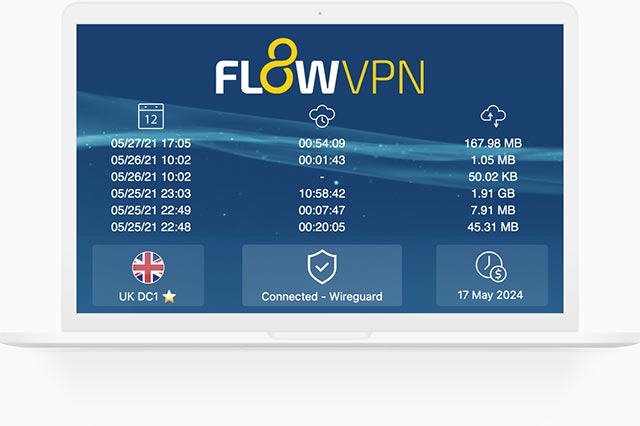
Flow VPN downloadtutorial
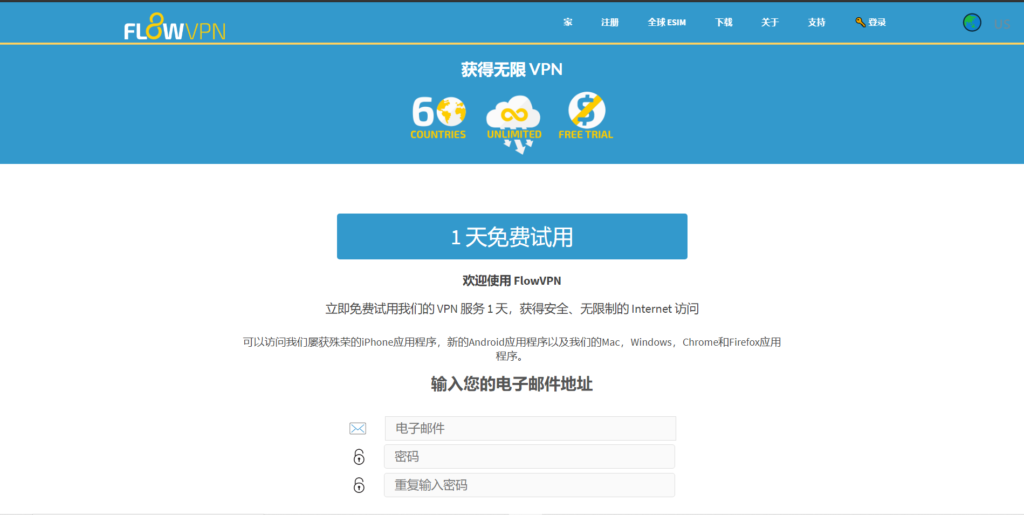
: Flow VPN,,email,。
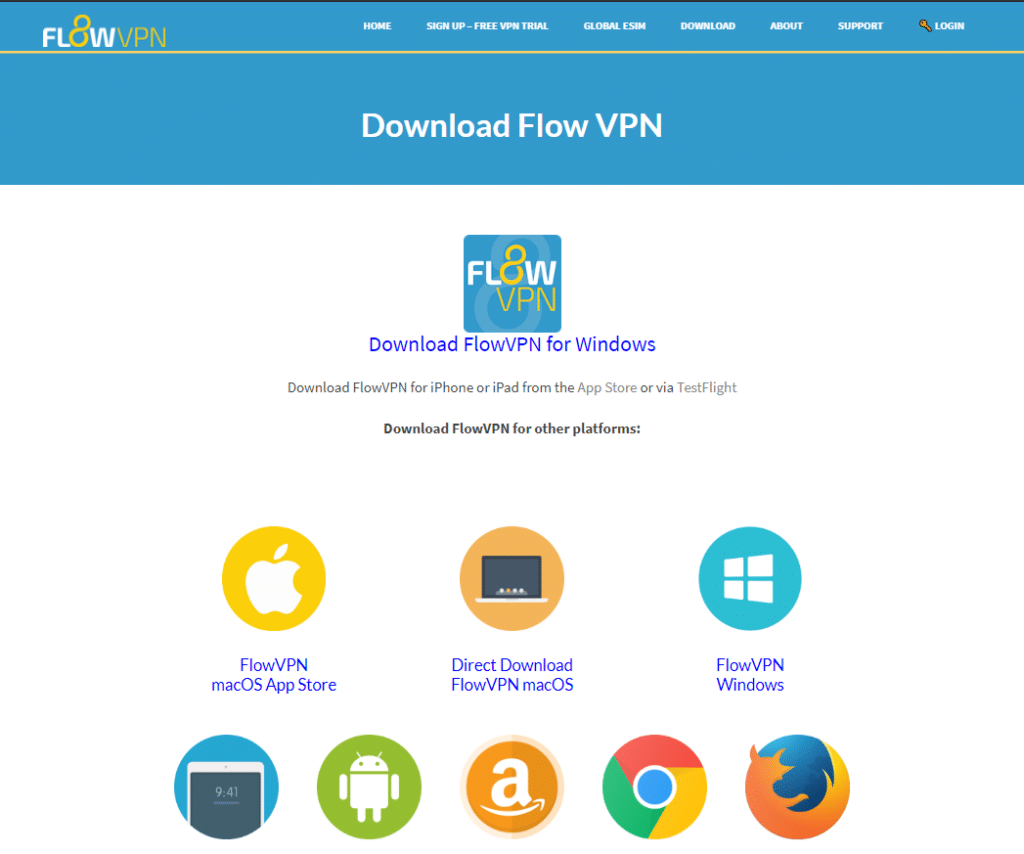
: Flow VPN,downloadFlow VPN(macOS, Windows, Linux, IOS, Android),VPN introduction and setupinstallation。
: installation,VPN introduction and setup,VPN introduction and setupFlow VPN。server location,。
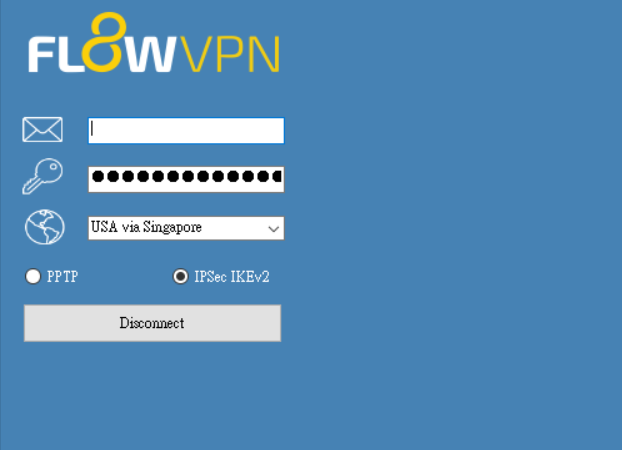
Flow VPN
,,,Flow VPNChina。
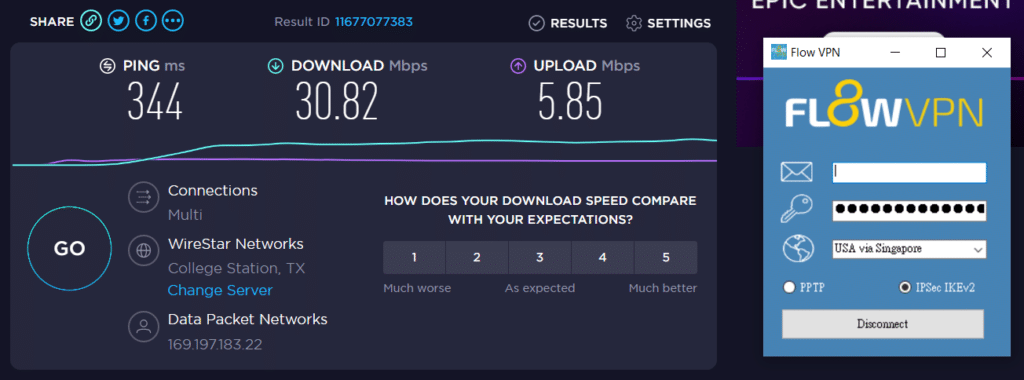
ChinaVPN?
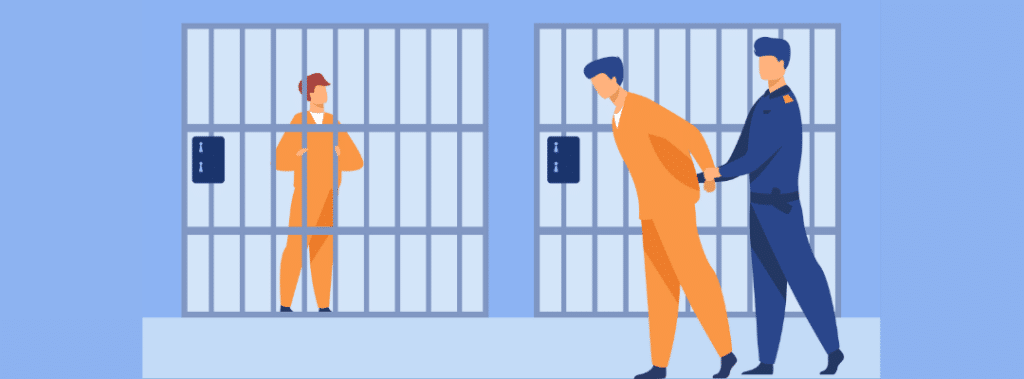
,,VPN,,,3:
- downloadbypass censorship,/,,。
- bypass censorshipVPN introduction and setupbypass censorship,。
- bypass censorshipVPN introduction and setupbypass censorship,。
bypass censorship,(youtube),,Neflix,Arxiv,,,: ChinaVPNbypass censorship。
:bypass censorship「China」bypass censorship。bypass censorshipChina,LanternVPN,bypass censorshipVPNIP,bypass censorshipIP。
More VPN protocols and encryption technologies
,VPNbypass censorship。VPN,VPNSSR,Trojan,,,。
VPN introduction and setup

VPN,。SSR ,(Sock5),bypass censorship,,,VPN,SSR。
SSR,China,,VPN,SSRVPNbypass censorship。Chinabypass censorship,VPNVPN,VPN,,VPN,,,。
SSR,V2-ray Trojan。Trojanbypass censorship,。 GFW,GFW。 ,Trojan:HTTPS,GFWHTTPS,。
,VPNChina,bypass censorship。 flowVPNSSR。
Trojan bypass censorship
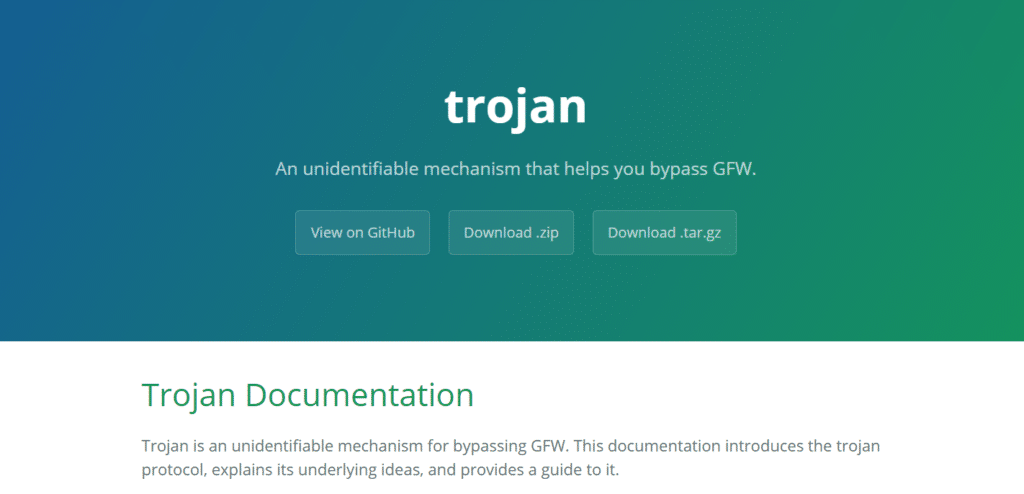
Trojan,Trojan ,githubVPN introduction and setup。,,。TrojanHTTPS。
GFW , GFW。,:HTTPS, GFW HTTPS。
How I Pick a VPN – My 7 Non-Negotiable Rules
I’ve been using VPNs daily for over 8 years while traveling and working between the US and Asia. I’ve tried literally everything people recommend online. Here are the 7 things I refuse to compromise on:
- Rock-solid security – Western-registered company, audited no-logs, based outside high-surveillance zones.
- Never drops – 99.9 % uptime, even on hotel 5G or sketchy cruise Wi-Fi.
- Actually fast – 600+ Mbps on 1 Gbps fiber, 4K zero buffer.
- Tons of server locations – 60+ countries so I can always find a low-ping one.
- One-click simple – I’m lazy. If it takes more than one tap, it’s dead to me.
- Support that speaks human – 24/7 live chat in English (bonus if Chinese support).
- 30-day money-back, no questions – because I’ve been burned by “lifetime” deals that vanished.
A lot of bloggers get paid big money to push garbage that dies in 3 months or leaks your data. I don’t play that game.
That’s why I only ever recommend four big, established Western companies with millions of users, real offices, and independent audits. If something goes wrong, there’s someone to answer for it.
Below I’ll give you my real-world speed screenshots, daily experience, and separate step-by-step setup guides for each one.
| VPN Service | Free Trial / Money-Back | Streaming & Gaming | Device Support | Refund Policy | Approx. Price |
|---|---|---|---|---|---|
| StrongVPN | 1-day free trial | Great for U.S. streaming & gaming | 5 simultaneous devices | 30-day guarantee | $4.50/mo |
| ExpressVPN | 30-day money-back | The most consistent for Netflix, Hulu, BBC iPlayer | 5 devices | 30-day guarantee | $6.67/mo |
| Surfshark | 30-day money-back | Best price-to-performance ratio | Unlimited devices | 30-day guarantee | $2.30/mo |
| FlowVPN | Short trial (confirm terms at checkout) | Good long-distance speeds | Unlimited devices | 30-day guarantee | $1.88/mo |
The 4 Red Flags That Scream “Dangerous VPN”
I’ve tested over 120 VPNs in the last 8 years. These are the four warning signs that instantly make me hit delete – no exceptions. My Simple rule
- Only use big, Western-registered companies with:
- Independent no-log audits every year
- Millions of global users
- Real offices and business licenses
| Red Flag | Why It’s a Hard Pass | Real-Life Example |
|---|---|---|
| 1 Open-source code (without massive community) | Anyone can see the code → governments or hackers can find backdoors or force changes | Old Lantern versions – open-source but got weaponized |
| 2 100 % “free unlimited” | No company can survive without making money. They sell your data, inject ads, or mine crypto | Hotspot Shield Free, SuperVPN – proven data harvesting |
| 3 Tiny / brand-new company | Zero resources to fight blocks, fix leaks, or stay alive long-term | 90 % of the “cute animal” VPNs that vanish in 3 months |
| 4 Unknown location / no real company registration | If they disappear with your money or data, you have zero legal recourse | Countless “HK/TW” apps that ghost users overnight |
VPN Blacklist 2026 – The Ones to Avoid (Updated Table + Deep Dives)
Across the entire VPN landscape, there are dozens of services that are either straight-up controversial, chronically broken, or borderline scams. Instead of a boring list, I built a clean table so you can see at a glance which ones to stay away from in September 2026. Quick guide:
| VPN Name | Main Issue in 2026 | Still Works? | Verdict – Why I Nuked It |
|---|---|---|---|
| Lantern | Open-source + history of getting users in trouble | Barely | Too risky, leaks real IP |
| Panda VPN | Outdated protocol, IP leaks in tests | Sometimes | Same tech as old Lantern – hard pass |
| LaoWang / Ace VPN | Multiple arrests linked to users | No | Real-world danger zone |
| Turbo VPN | Logs everything + Chinese ownership | Yes | Data harvesting machine |
| SuperVPN | Actual malware in APK (VirusTotal 12/68) | Yes | Straight-up dangerous |
| Hotspot Shield Free | Ads + proven data selling | Yes | Privacy nightmare |
| VPN Proxy Master | Fake reviews + frequent blocks | Yes | Scam vibes |
| PureVPN | Still dead for most use cases | Rarely | Was good once, now useless |
| Astrill VPN | Insanely expensive + spotty unblocking | Yes | $20/mo for average performance – no |
| Urban VPN | Sells your bandwidth to others | Yes | Turns your PC into an exit node |
| Yoga VPN | Hidden logs + Chinese jurisdiction | Yes | Avoid |
| Hola VPN | Peer-to-peer exit node (uses your IP) | Yes | Literally the worst – still doing it |
| Windscribe Free | 10 GB cap + crowded servers | Yes | Okay for 5 minutes, then useless |
| TunnelBear Free | 2 GB cap – gone in an hour | Yes | Cute bear, useless allowance |
| All “animal” VPNs | Unknown company, no support, vanish fast | Varies | 99 % trash |
I’ll also call out a few of the worst offenders with extra details. If I got something wrong or missed one, tell me – I’ll download it myself, test it, and update the list. My goal is zero misinformation and zero wasted money for you guys. More details:
| Lantern vpn(open source) | Panda VPN(unstable) | acelaowang VPN(Multiple arrests linked to users) | acefotiaoqiang VPN (unstable) | Kitten VPN (unstable) |
| shendengjiasu VPN (unstable) | lightyear VPN(unavaible) | aurora vpn (unstable) | blackhole VPN (unstable) | Turbo VPN (unstable) |
| Astrill VPN(price too high ) | elephant VPN (unstable) | VyprVPN (unstable) | UrbanVPN(free VPN) | |
| IPVanish VPN (price too high) | CyberGhost (price too high) | Proton VPN (unstable) | Windscribe (free VPN) | ants VPN (unstable) |
| 789vpn (unstable) | VPN Proxy Master (unstable) | PureVPN (unstable) | Flyvpn (unstable) | Private VPN (unstable) |
| Kuto VPN (unstable) | 360VPN (unstable) | hotspot shield (免费VPN) | shadowrocket VPN (unstable) | LetsVPN (unstable) |
| GreenVPN (unstable) | tenonvpn (small VPN) | edge VPN (small VPN) | Testflight VPN (unstable) | acexiashi VPN(small VPN) |
| clound VPN (unstable) | VPN hub (unstable) | dog VPN (small VPN) | shadowsocks VPN (small VPN) | PlexVPN (small VPN) |
| seagulltool (risk VPN) | Thunder VPN (unstable) | QuickVPN | Shadowrocket | SuperVPN |
Hola VPN – still turns your device into an exit node for strangers.
SuperVPN – found actual malware in the Android APK (VirusTotal flagged 12/68).
Turbo VPN – logs everything and is owned by a Chinese company with a terrible track record.
If you’ve ever paid for one of these and it flopped, drop a comment – I’ll test it live and add it to the blacklist.
VPN Wrap-Up
By now you should have a solid grasp of what VPNs are and how they work. If you want to dive deeper into the tech, check out my other articles.
Bottom line: use this powerful tool responsibly – stay safe, protect your privacy, and never use it for anything illegal.
Got questions? Drop them in the comments – I answer every single one.
Safe surfing! 🚀