
Last Updated on 2026年8月21日 by wallzhihu
iPhone VPN decision guide
Choose an iPhone VPN by reconnect behavior, official App Store support, public Wi-Fi protection, and the checkout terms you can verify. Do not buy from a speed number measured on somebody else's phone.
| Order | Provider | Best fit on this page |
|---|---|---|
| 1 | StrongVPN | Annual-value baseline and ordinary iPhone use |
| 2 | ExpressVPN | App polish and support when recovery matters |
| 3 | Surfshark | Many-device households and iPhone/iPad coverage |
| 4 | FlowVPN | Short compatibility testing on your own network |
Install only the official app, approve the iOS VPN configuration, and test Wi-Fi-to-cellular handoff. A VPN does not remove App Store, subscription, account, or local network requirements.
An iPhone VPN should survive real mobile behavior, not just connect once on home Wi-Fi. The useful checks are official App Store installation, Wi-Fi-to-cellular handoff, sleep and wake, IP and DNS results, battery impact on your own phone, and whether a sensitive account asks for extra verification.
| Use case | What to test | Common mistake |
|---|---|---|
| Public Wi-Fi | Auto-connect and captive-portal recovery | Assuming the network name is genuine |
| Travel | Wi-Fi/mobile handoff and offline recovery | Installing only after arrival |
| Streaming | Exact app, account, and playback quality | Judging from one speed result |
| Banking or work | Stable location and account recovery | Switching countries repeatedly |
This guide keeps the existing provider setup screenshots, but treats them as interface examples. App screens, plan names, prices, supported devices, and iOS settings can change. Follow the current provider and App Store instructions when they differ from an older image.
When an iPhone VPN is useful
- Unknown Wi-Fi: encrypt traffic between the phone and the VPN server after verifying the venue network.
- Travel: reach a service tied to home, subject to its account and location rules.
- Mobile privacy: reduce what the local network can see, while remembering that websites and apps can still identify the account and device.
- Network troubleshooting: compare a direct route with one nearby VPN route when an ISP path is unstable.
A VPN does not stop phishing, remove malware, change an App Store subscription, or guarantee that a bank accepts a shared IP. Keep iOS updated and use normal account-security controls.
Provider order for this guide
Compare StrongVPN first for annual value, ExpressVPN for app polish and support, Surfshark for many devices, and FlowVPN when a short compatibility test matters. Confirm the current App Store availability, device count, checkout total, and refund terms.
| VPN Service | Free Trial / Money-Back | Streaming & Gaming | Device Support | Refund Policy | Approx. Price |
|---|---|---|---|---|---|
| StrongVPN | 1-day free trial | Great for U.S. streaming & gaming | 5 simultaneous devices | 30-day guarantee | $4.50/mo |
| ExpressVPN | 30-day money-back | The most consistent for Netflix, Hulu, BBC iPlayer | 5 devices | 30-day guarantee | $6.67/mo |
| Surfshark | 30-day money-back | Best price-to-performance ratio | Unlimited devices | 30-day guarantee | $2.30/mo |
| FlowVPN | Short trial (confirm terms at checkout) | Good long-distance speeds | Unlimited devices | 30-day guarantee | $1.88/mo |
Device setup: Set Up a VPN on iPhone in August 2026 – Quick 5-Minute Guide + The 4 Fastest Apps I Recommend
Device pages should answer whether one subscription covers the phone, laptop, browser, and travel setup. Device compatibility often matters more than the brand ranking.
| Need | Pick | Best fit |
|---|---|---|
| Best yearly value | StrongVPN | Good first comparison for daily use |
| Premium app/support | ExpressVPN | Best when polish and support matter |
| Trial-first path | FlowVPN | Useful before a long subscription |
iPhone VPN setup: install first, test second, travel prepared
A useful iPhone setup should prevent connection and recovery failures. The key questions are whether the app is easy to install, whether the subscription supports the reader's other devices, and whether the VPN still works on hotel, school, office, or travel Wi-Fi.
StrongVPN for steady daily use.
ExpressVPN for smoother device support.
FlowVPN when you want to test before committing.
Before buying, confirm the VPN works on the exact iPhone device, your phone, and your backup browser. Device compatibility matters more than a generic ranking.
Use the English VPN guide · Read China VPN questions
How to test an iPhone VPN without invented numbers
- Record a baseline on the same iPhone, network, and time of day.
- Connect to a nearby server and confirm the public IP and DNS result.
- Lock the phone, wait, unlock it, and confirm that the VPN is still active.
- Move from Wi-Fi to cellular data and back. Watch how quickly the tunnel returns.
- Test the exact call, stream, account, or work app that matters.
- Compare battery use on your own phone over a normal day; do not rely on a universal percentage.
Results vary by iPhone model, iOS version, radio signal, protocol, server load, and background apps. Publish the conditions with any speed claim and treat one result as a snapshot.
iPhone VPN comparison and setup
The correct iPhone path is an official iOS app, not a Chrome extension. The app requests permission to add a VPN configuration to iOS; after approval, the VPN can protect traffic from supported apps and browsers. The exact menus change with iOS and provider releases, so use the text below as the procedure and the older screenshots as interface history.
Setup method that applies to every provider
- Confirm the provider name, plan total, renewal, device limit, and refund or trial terms on the live checkout.
- Open the official App Store listing from the provider's iOS page and verify the publisher.
- Install the app, sign in, and approve the iOS request to add a VPN configuration.
- Connect to a nearby server first. Confirm the public IP and open the exact app or site that matters.
- Lock and unlock the phone, then move from Wi-Fi to cellular data and back. Confirm that protection returns.
- Save a second working server and the support route before travel.
1. StrongVPN on iPhone
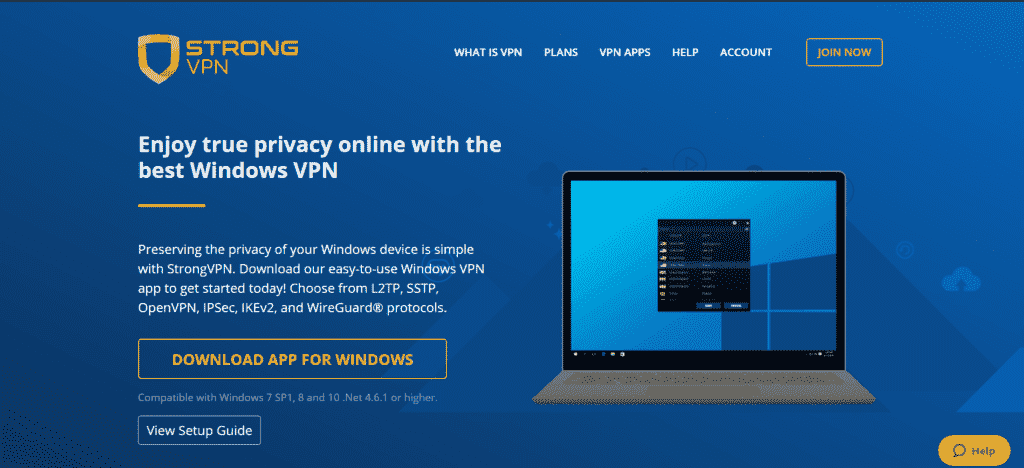
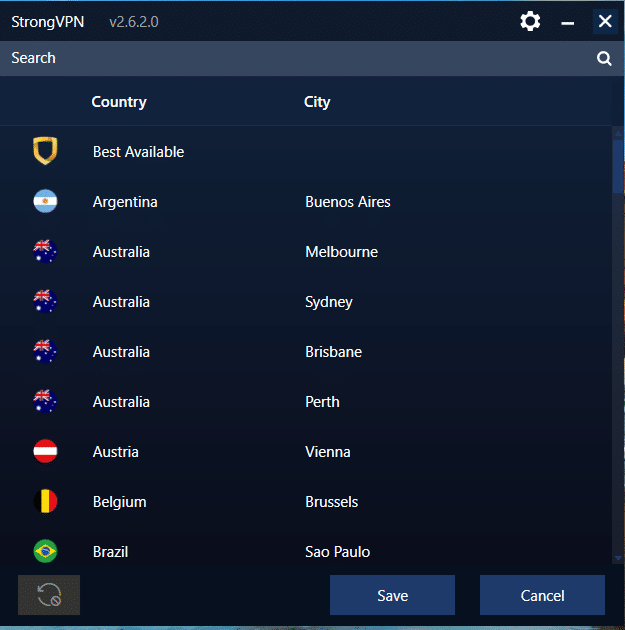
StrongVPN is the first comparison for annual value. Read the English StrongVPN setup guide, then use the official StrongVPN App Store listing. Do not use a Windows download page or a browser-extension instruction for an iPhone.
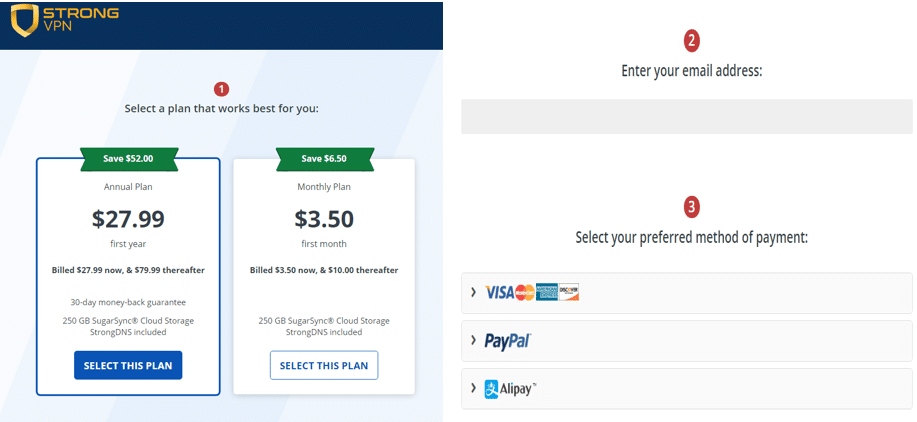
- Complete checkout and save the amount charged, subscription term, renewal, and refund deadline.
- Install the app from the verified publisher, sign in, and allow the VPN configuration.
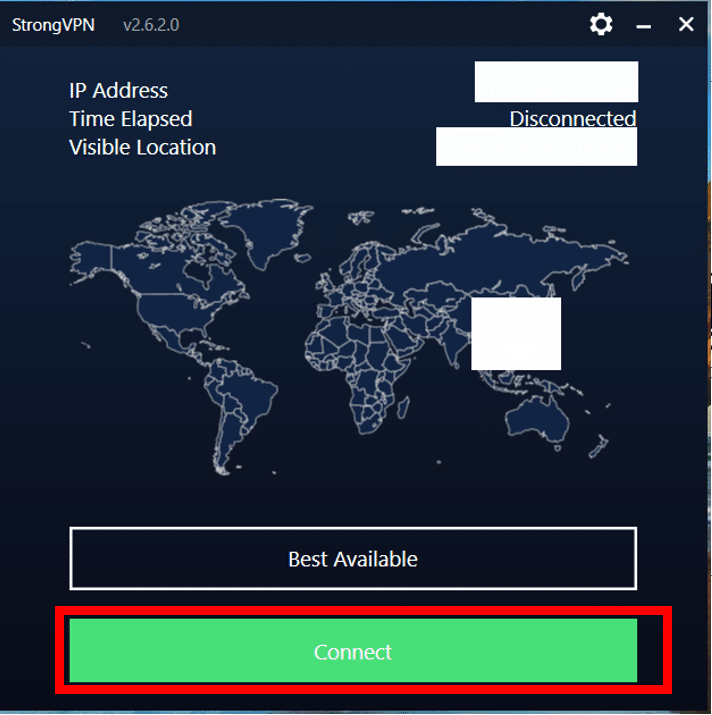
- Connect to Best Available or a nearby location, then check IP and DNS.
- If a specific service needs another country, change once, restart the target app, and record the result.
- If handoff fails, reconnect, try one other protocol, and send the test details to support.
The older images below may show desktop layouts, historical prices, or menus that no longer match iOS. They are retained as interface references; follow the current StrongVPN guide and App Store page when they differ.
2. ExpressVPN on iPhone
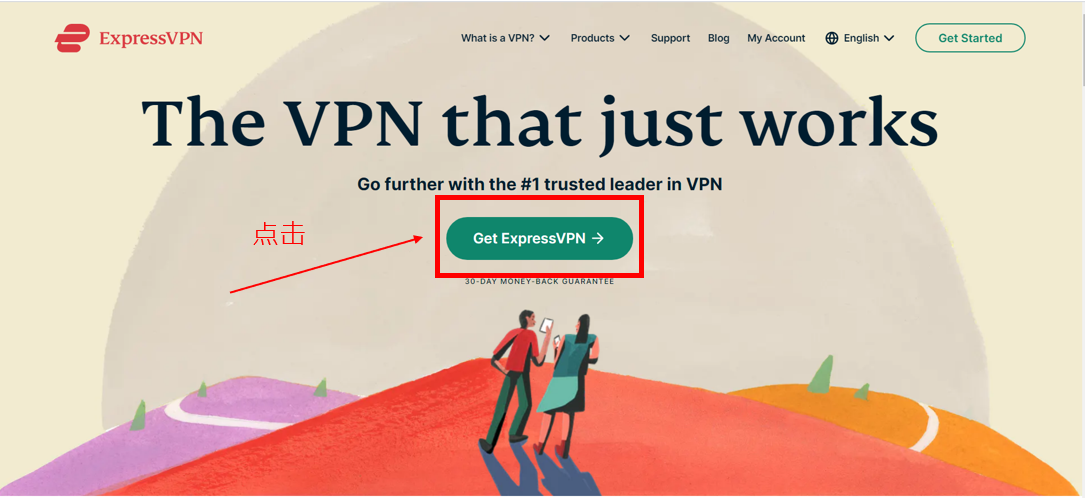
ExpressVPN is the second comparison when app polish, current iOS support, and support access justify the checkout total. Start from the official ExpressVPN iOS page, not the old Chrome-extension page.
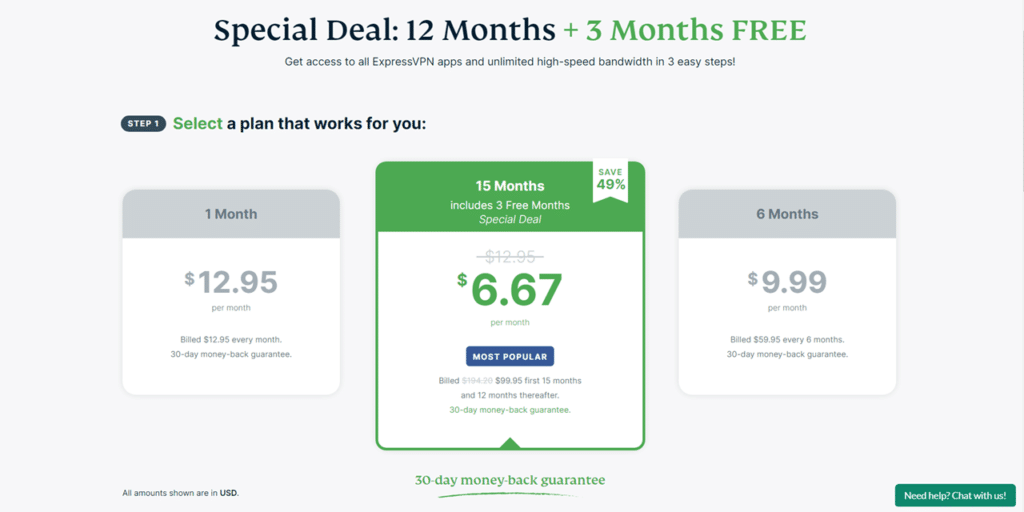
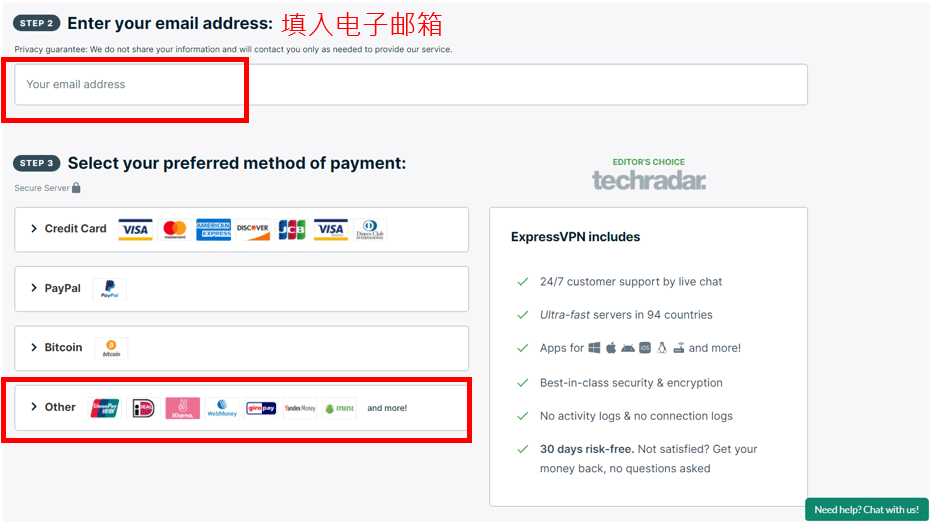
- Open the current ExpressVPN offer and record website versus App Store trial/refund terms separately.
- Install the official iOS app, sign in with the purchased account, and approve the VPN configuration.
- Use the app's recommended location for the first test, then compare one specific country only when the service requires it.
- Test Wi-Fi-to-cellular handoff, sleep and wake, and the exact account before travel.
- If an App Store trial was used, check who handles cancellation and refund requests.
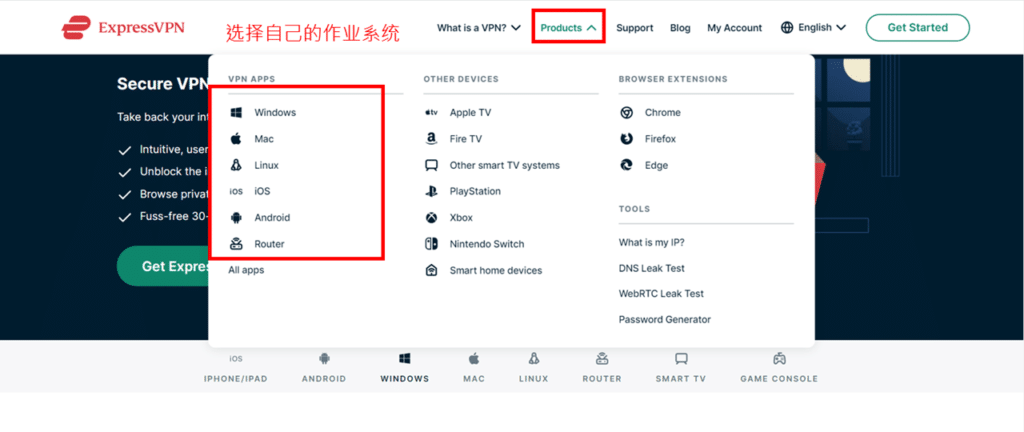
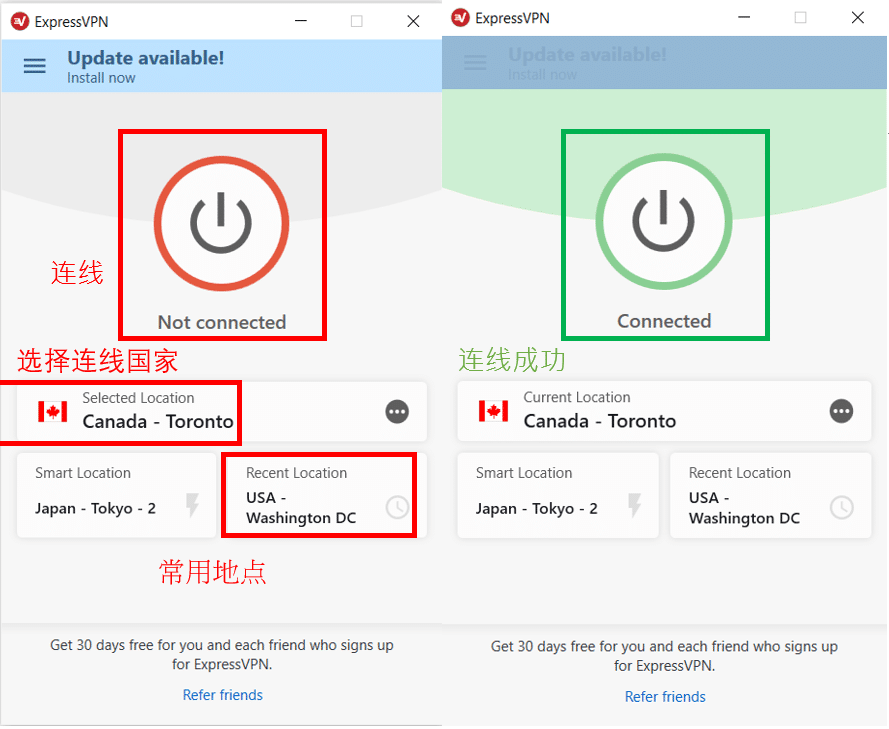
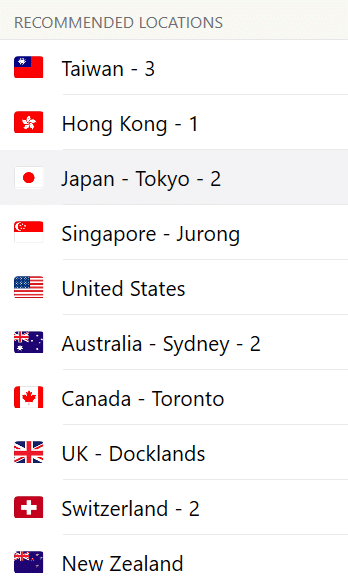
Older screenshots can still help identify account, payment, download, and connection stages, but they are not current price proof. Verify the live ExpressVPN checkout and current iOS instructions.
3. Surfshark on iPhone
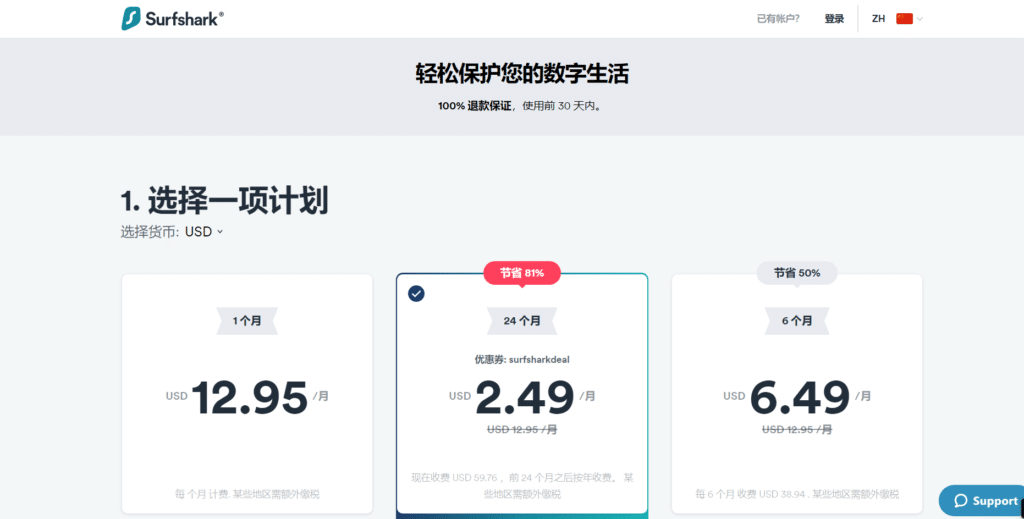
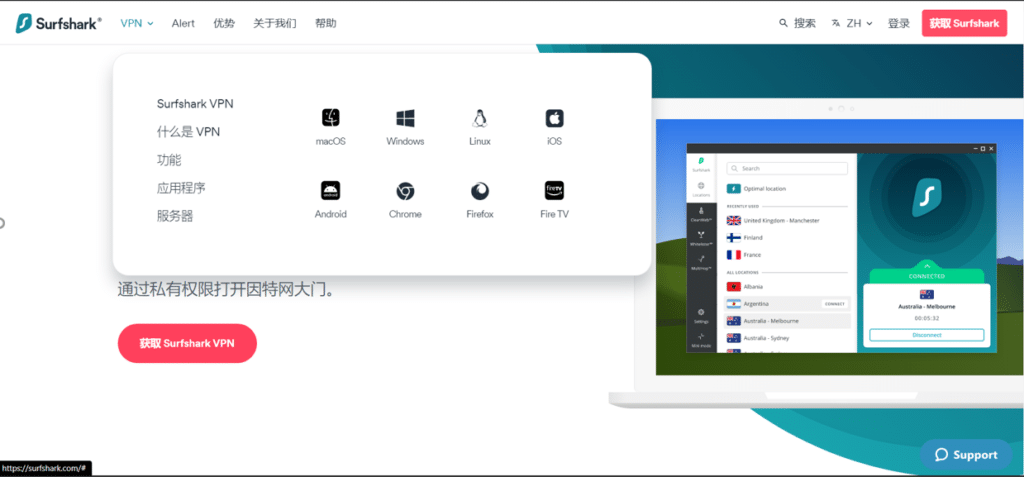
Surfshark is the third comparison when a household needs many simultaneous devices. Use the English Surfshark guide and the official Surfshark iOS page. Plan length matters because the lowest monthly equivalent usually requires a longer upfront commitment.
- Count every phone, tablet, computer, TV device, and family user before comparing value.
- Check the total charged today, extra months, renewal, tax, and currency rather than one monthly equivalent.
- Install the official iOS app and approve its VPN configuration.
- Test a nearby server, network handoff, and the actual apps used by the household.
- Review the current cancellation and refund process before the deadline.
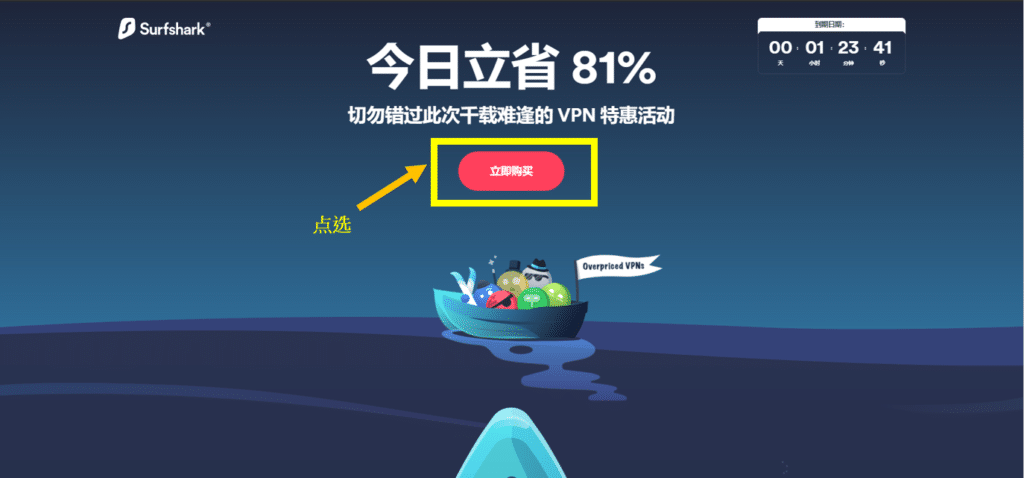
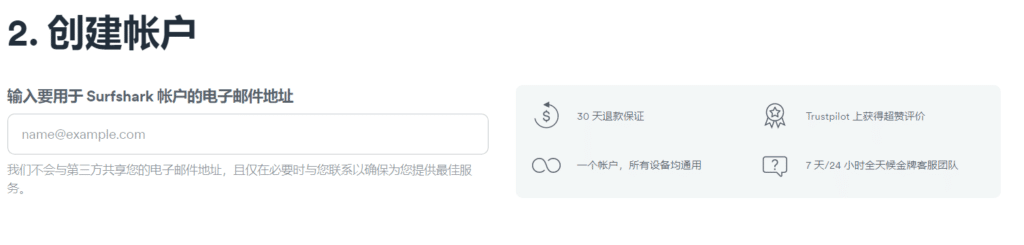
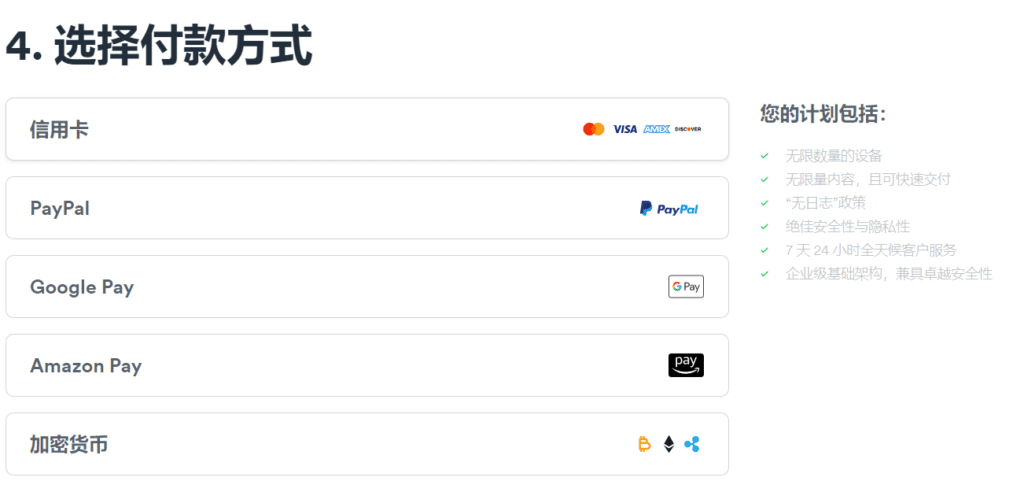
The following screenshots are historical examples and may show older pricing or non-iOS menus. Use the live Surfshark iOS instructions for the current interface.
4. FlowVPN on iPhone
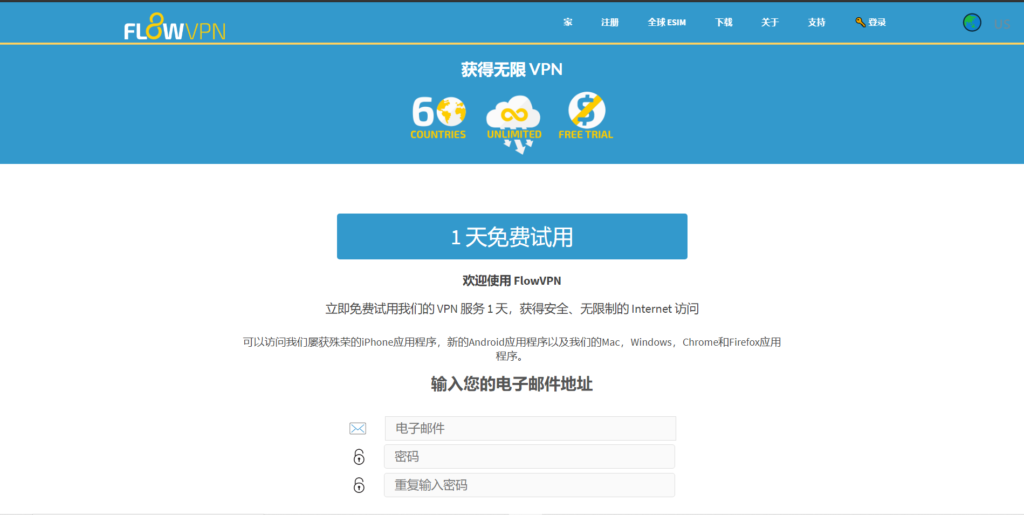
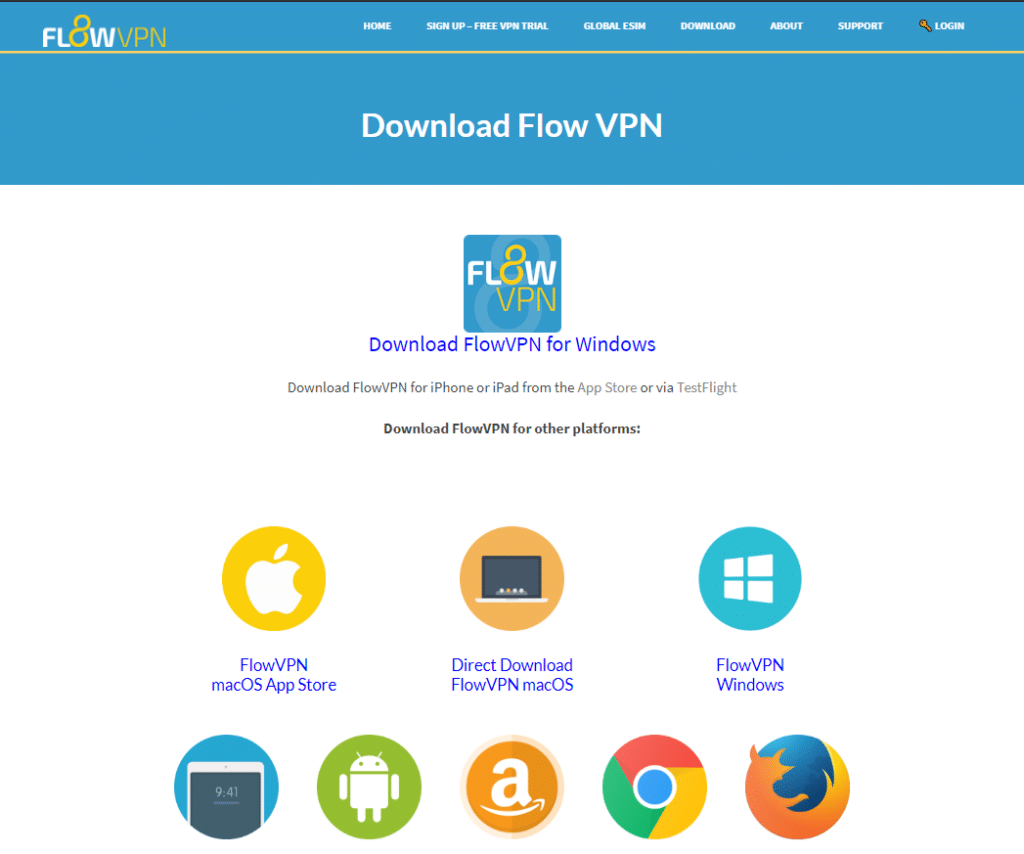
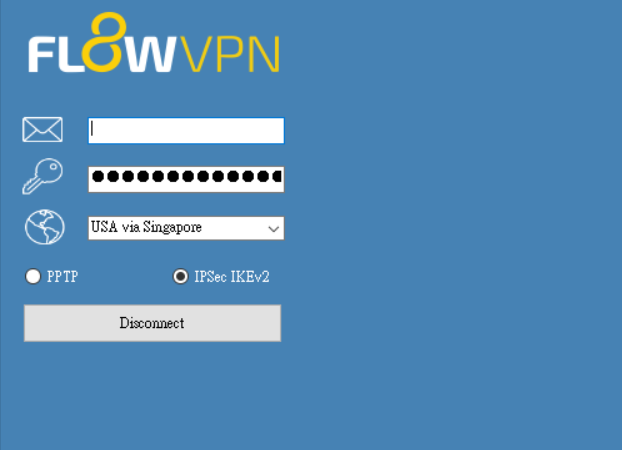
FlowVPN is the fourth comparison and the short-test option. Open the official FlowVPN download page, confirm that the current iOS app and trial are available to your account, and read when billing starts.
- Record the trial start, end, renewal amount, and cancellation method.
- Install from the official listing and approve the VPN profile.
- Test the exact network, location, account, and streaming or work app during the short window.
- Cancel before billing if compatibility is poor, or retain the receipt if continuing.
These older images are interface references rather than evidence of a current iOS screen, trial, or price.
How to compare the four iPhone apps
| Test | Pass condition | Failure clue |
|---|---|---|
| Official install | Verified publisher and supported iOS | Copied listing or unknown profile |
| Initial connection | Expected IP and DNS result | App connected but IP unchanged |
| Sleep and wake | Tunnel remains or reconnects | Traffic resumes outside the tunnel |
| Wi-Fi/cellular handoff | Connection recovers promptly | VPN stays stalled after network change |
| Target app | Normal login and stable use | Account, payment, or location warning |
| Support | Clear answer using your test details | Generic response with no recovery path |
Run each provider under the same conditions. A speed result from a different iPhone, city, carrier, or time cannot predict your result. If one app fails, confirm the direct connection, try a second nearby server, change protocol once, and then contact support.
iPhone account, privacy, and billing boundaries
- A VPN changes the route and visible IP; it does not change the Apple Account country, billing address, tax, or app subscription.
- iCloud Private Relay and a commercial VPN have different scope and behavior. Follow current Apple and provider guidance.
- A bank or work service may challenge a shared or unexpected IP. Keep account recovery ready and avoid rapid country changes.
- A kill switch limits exposure during a drop; it does not fix weak Wi-Fi, cellular dead zones, or a congested server.
- App Store subscriptions and website purchases may have different trial, refund, and cancellation handlers.
Decision summary
Start with StrongVPN for annual value, ExpressVPN for iOS polish and support, Surfshark for many devices, and FlowVPN for a short compatibility test. The first provider in the list is not automatically the winner: the correct choice is the one that reconnects on your iPhone, works with the needed account, shows acceptable checkout terms, and has a usable recovery path.
Fix an iPhone VPN that keeps disconnecting
- Test without the VPN. If the normal connection already drops, fix Wi-Fi or cellular service first.
- Reconnect to a nearby server. Try another server in the same region before changing countries.
- Change protocol once. Use an automatic or provider-recommended protocol, then restart the app.
- Remove conflicts. Disable another VPN, proxy, private DNS profile, or security app temporarily for diagnosis.
- Check the VPN profile. If the official app recommends it, remove the old profile and let the app create a fresh one.
- Review auto-connect. Test the setting on trusted and untrusted Wi-Fi rather than assuming it covers every network transition.
- Contact support with evidence. Include iPhone model, iOS version, network, server, protocol, and time of failure.
A kill switch does not repair a connection; it limits traffic exposure while the tunnel is down. If the connection remains unstable, compare a second provider during the refund window instead of repeatedly changing unrelated settings.
What a VPN cannot change about iPhone subscriptions
Changing the IP location does not automatically change the Apple Account country, App Store catalog, payment method, billing address, tax, or an existing streaming subscription. Attempting to create a mismatched account can trigger verification or violate a service's terms.
- Check the app's current availability and subscription rules.
- Keep account recovery and two-factor authentication available.
- Do not buy gift codes or virtual cards from an unknown seller.
- Use a VPN for lawful privacy and travel needs, not as proof of residency.
For a service you already pay for, test whether the issue is the network route, the app session, the account region, or the subscription itself before changing anything.
Current Deals I’m Using Right Now (All with 30-Day Refunds)
iPhone VPN FAQ
Will a VPN drain the battery?
Encryption and background networking use power, but the effect depends on the phone, signal, protocol, server, and apps. Compare a normal day with and without the VPN on your own device.
Will it slow Wi-Fi or 5G?
Usually there is overhead. A nearby, uncongested server may keep the difference small; a distant or overloaded route may be much slower. There is no universal retained-speed percentage.
Does iCloud Private Relay replace a VPN?
No. Private Relay and a commercial VPN have different scope, routing, account, and location behavior. Check Apple's current documentation and avoid assuming they can be stacked without side effects.
Can I use the same account on Apple TV?
It depends on provider support, tvOS app availability, simultaneous-device limits, and the plan. A router or other setup may be required for some providers.
Will it work on school or company Wi-Fi?
Not always, and network policy may prohibit personal VPNs. Do not bypass an employer's security requirements; use the approved work configuration.
Can a VPN break banking apps?
A shared or unexpected IP can trigger verification. Use a stable expected region, keep recovery methods ready, or disconnect and use a trusted mobile connection when the bank rejects the VPN route.
Is public Wi-Fi completely safe with a VPN?
No. Verify the network name, keep HTTPS and device updates, disable unnecessary sharing, and watch for phishing. The VPN protects a route; it does not authenticate every website.
What should I check at checkout?
The total charged today, currency, term, renewal, device count, trial or refund eligibility, and cancellation method. Save the receipt.
Final order: StrongVPN for annual value, ExpressVPN for app and support quality, Surfshark for many devices, and FlowVPN for a short compatibility test. Verify every current condition with the provider.